Best Project Management Tools in 2026 (Teams That Ship)
Key takeaways
- Our top pick: Monday.com — Teams that need to ship on time.
- ClickUp — Maximum features per dollar.
- Notion — Docs-first teams.
Quick comparison
| Product | Rating | Starting price | Best for | |
|---|---|---|---|---|
| Monday.comTop pick | ★★★★★ | From $9/seat/mo | Teams that need to ship on time | Visit Monday.com |
| ClickUp | ★★★★☆ | From $9/user/mo | Maximum features per dollar | Visit ClickUp |
| Notion | ★★★★☆ | From $10/seat/mo | Docs-first teams | Visit Notion |
Pricing checked Oct 19, 2026 — always confirm current pricing and billing terms on the vendor's official site.
Most project management tools fail at the same moment: the week the team gets busy and stops updating the board. The three tools below made our shortlist because they survive that moment — they are fast to update, clear enough that teammates actually use them, and honest about what they cost. We compared them through the lens of one question: will this tool help your team ship?
We may earn a commission when you buy through links on this page — at no extra cost to you.
How we evaluated
We judged each tool on delivery-relevant criteria: how quickly a team can adopt it, whether deadlines, owners, and progress stay visible at a glance, sprint and workload support, pricing fairness (including seat minimums), and how well it scales from a handful of people to a real organization. No invented benchmarks — the prices below were checked against each vendor's official pricing page at publish time.
Detailed reviews
Monday.com — best for teams that need to ship on time
- Beautiful boards, timelines, and dashboards everyone understands
- Fast team onboarding — hours, not weeks
- Strong automation recipes from the Standard plan up
- Paid plans require a 3-seat minimum
- Seat blocks can waste money for awkward team sizes
- Basic plan has no automations or integrations
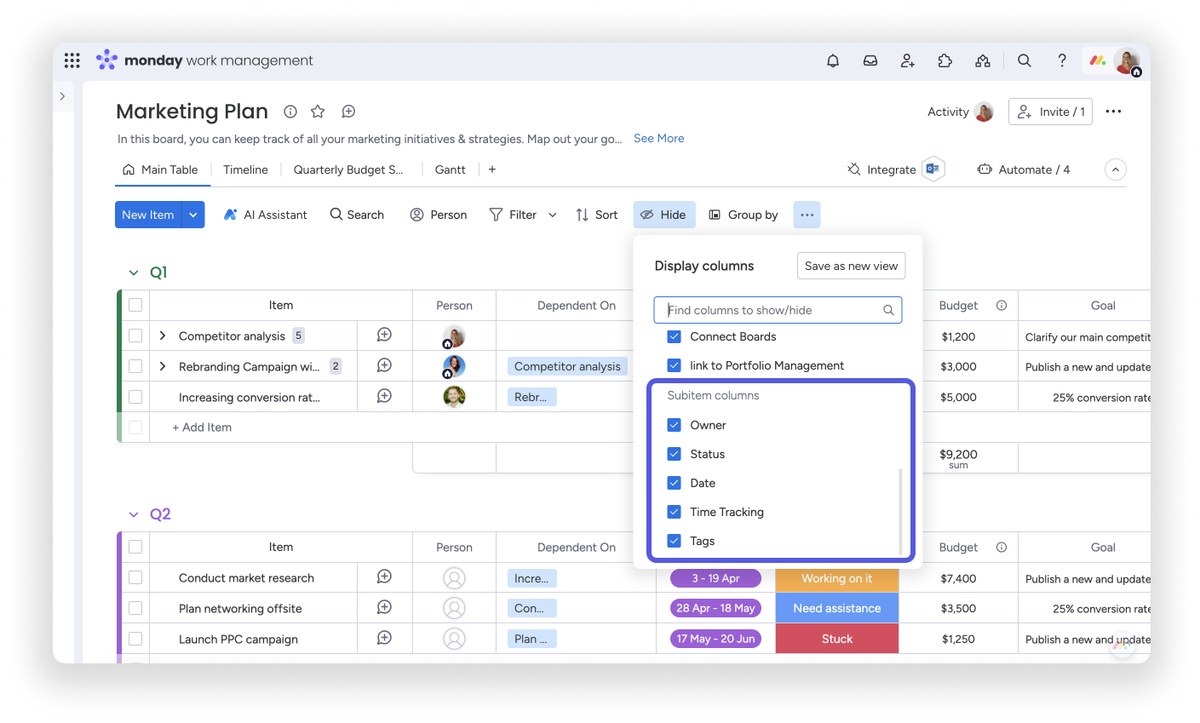
Monday.com is the tool you buy when missed deadlines are the problem, not missing features. Boards, timelines, and dashboards are immediately legible to non-technical teammates, so the whole team actually opens it every day — which is what turns a project tracker into shipped work. Automation recipes on the Standard plan and up ("when a status flips to Done, ping the lead") remove the follow-up busywork that eats a manager's week.
The pricing math deserves a clear look: paid plans start at $9/seat/month billed yearly on Basic, but every paid plan requires a minimum of 3 seats, and seats are sold in blocks. A team of four pays for five. Standard at $12/seat/month is the real entry point for most teams, because Basic has no automations or integrations.
Testing notes: assessed from official documentation and verified user reports; no direct hands-on trial by our team. Independent test data: TechRadar (2025) — hands-on testing praised the easy interface and mobile apps, but found it lacking the advanced task-tracking depth of tools like Microsoft Project.
ClickUp — best for maximum features per dollar

- Sprints, Gantt, time tracking, and goals in one app
- Generous free tier for freelancers and small teams
- No seat minimums — pay per member
- Crowded interface with a real learning curve
- Very large workspaces can feel sluggish
ClickUp's promise is "one app to replace them all," and for delivery teams the feature list genuinely backs it up: sprints with story points, Gantt charts, native time tracking, goals, workload views, and more than a dozen view types. The Core plan now starts at $9/user/month billed yearly (the old $7 tier was reworked), with no seat minimums — a relief for teams that don't fit Monday.com's seat blocks. The free tier remains one of the most generous in the industry, with unlimited tasks and sprint management included.
The honest trade-off is complexity. The interface packs in everything, which means new users face a genuine learning curve and very large workspaces can feel sluggish. Our recommendation: disable the modules you don't need on day one. Run lean, and ClickUp is the best value per dollar in this category.
Testing notes: assessed from official documentation and verified user reports; no direct hands-on trial by our team. Independent test data: Tech.co (Jun 2026) — the tester had ClickUp Brain build a to-do board from five emails in under a minute, but called the interface crowded with a steep learning curve.
Notion — best for docs-first teams
- One calm app for docs, wikis, and project databases
- Molds to any workflow with templates
- Generous free plan for individuals
- No native time tracking
- Offline mode is limited
- Needs discipline to avoid a beautiful mess
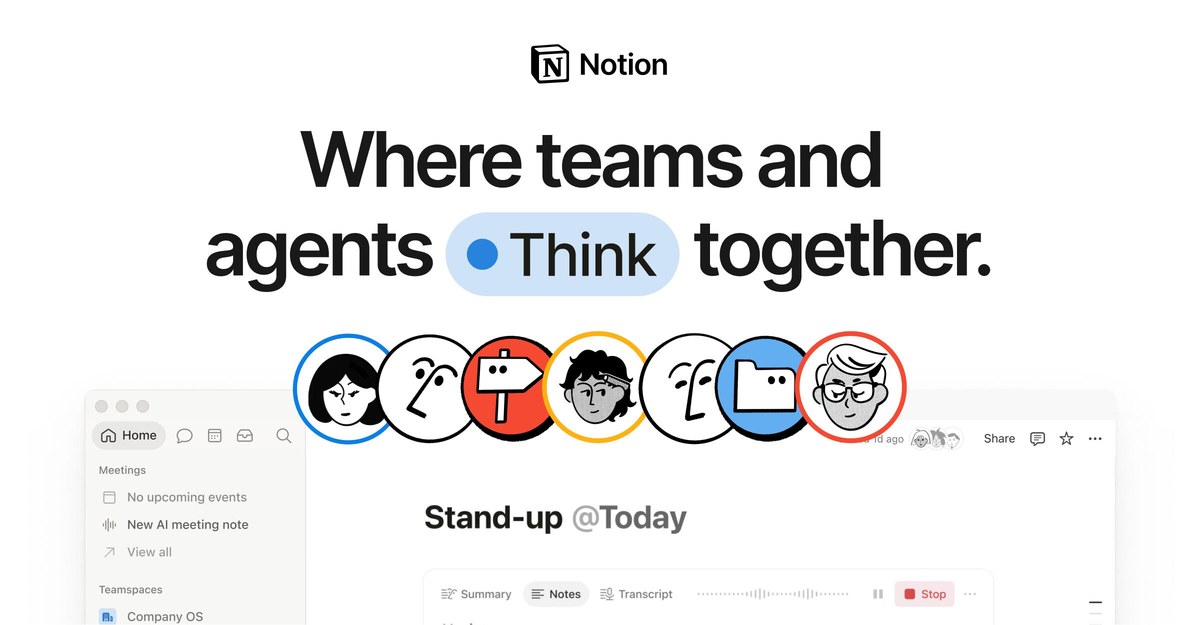
Notion is the right project tool when your work is half writing and half tracking: specs, roadmaps, wikis, and task databases living in one calm workspace.
The caveats are structural: no native time tracking, cached rather than fully usable offline mode, and performance known to degrade on very large databases.
Testing notes: assessed from official documentation and verified user reports; no direct hands-on trial by our team. Independent test data: YourReviews (Jul 2026) — the tester called Notion the most flexible docs-and-database workspace tested, but noted performance degrading on databases past a few thousand records and offline mode that is cached rather than fully usable.
Which should you pick?
- Missed deadlines are the problem? Monday.com — the clearest shared view of who owns what, with the fastest team adoption.
- Want every feature without the enterprise bill? ClickUp — sprints, time tracking, and Gantt from $9/user/month with no seat minimums.
- Work is half docs, half tracking? Notion — one workspace for specs, wikis, and light project management.
FAQ
Is there a free project management tool worth using? Yes. ClickUp's free tier covers unlimited tasks, Kanban boards, and sprint management. Notion's free plan works for individuals and very small teams. Monday.com's free plan only covers two seats, so it's really a trial.
Which is best for a team of 3–10? Monday.com if deadlines and accountability matter most — its seat minimum and blocks line up naturally at those sizes. ClickUp if you want more features for less money.
Monday.com vs ClickUp — what's the real difference? Monday.com wins on clarity and team adoption; ClickUp wins on features and price. Monday.com has seat minimums and no automations on its cheapest plan; ClickUp charges per member with no minimums but takes longer to learn.
Do these replace spreadsheets for project tracking? For anything beyond a trivial task list, yes. The moment you need owners, deadlines, dependencies, and a shared view of progress, all three beat a spreadsheet.
The bottom line
- Monday.com Top pick — Teams that need to ship on time.
Check price - ClickUp — Maximum features per dollar.
Check price - Notion — Docs-first teams.
Check price