Best AI Transcription Tools in 2026
Key takeaways
- Our top pick: Otter.ai: Best for meeting notes.
- Descript: Best for editing audio and video via transcript.
- Fireflies.ai: Best for sales teams.
Quick comparison
| Product | Rating | Starting price | Best for | |
|---|---|---|---|---|
| Otter.aiTop pick | ★★★★★ | From $8.33/mo | Best for meeting notes | Visit Otter.ai |
| Descript | ★★★★☆ | From $16/mo | Best for editing audio and video via transcript | Visit Descript |
| Fireflies.ai | ★★★★☆ | From $10/mo | Best for sales teams | Visit Fireflies.ai |
Pricing checked Oct 22, 2026, always confirm current pricing and billing terms on the vendor's official site.
Meetings generate decisions, but memory does not. AI transcription tools turn spoken conversations into searchable, shareable text, and the best ones do it live, identify who said what, and summarize the action items. We compared the three tools that define this category in 2026.
How we evaluated
We weighed transcription accuracy on clear and imperfect audio, speaker identification, meeting integrations (Zoom, Google Meet, Teams), editing and export options, and pricing at individual and team scale. A transcription tool earns its keep when you stop taking manual notes entirely.
The shortlist
- Otter.ai: the meeting-notes specialist with the best free tier.
- Descript: the creator's studio where the transcript is the editor.
- Fireflies.ai: the sales team's memory with CRM built in.
Detailed reviews
Otter.ai: best for meeting notes
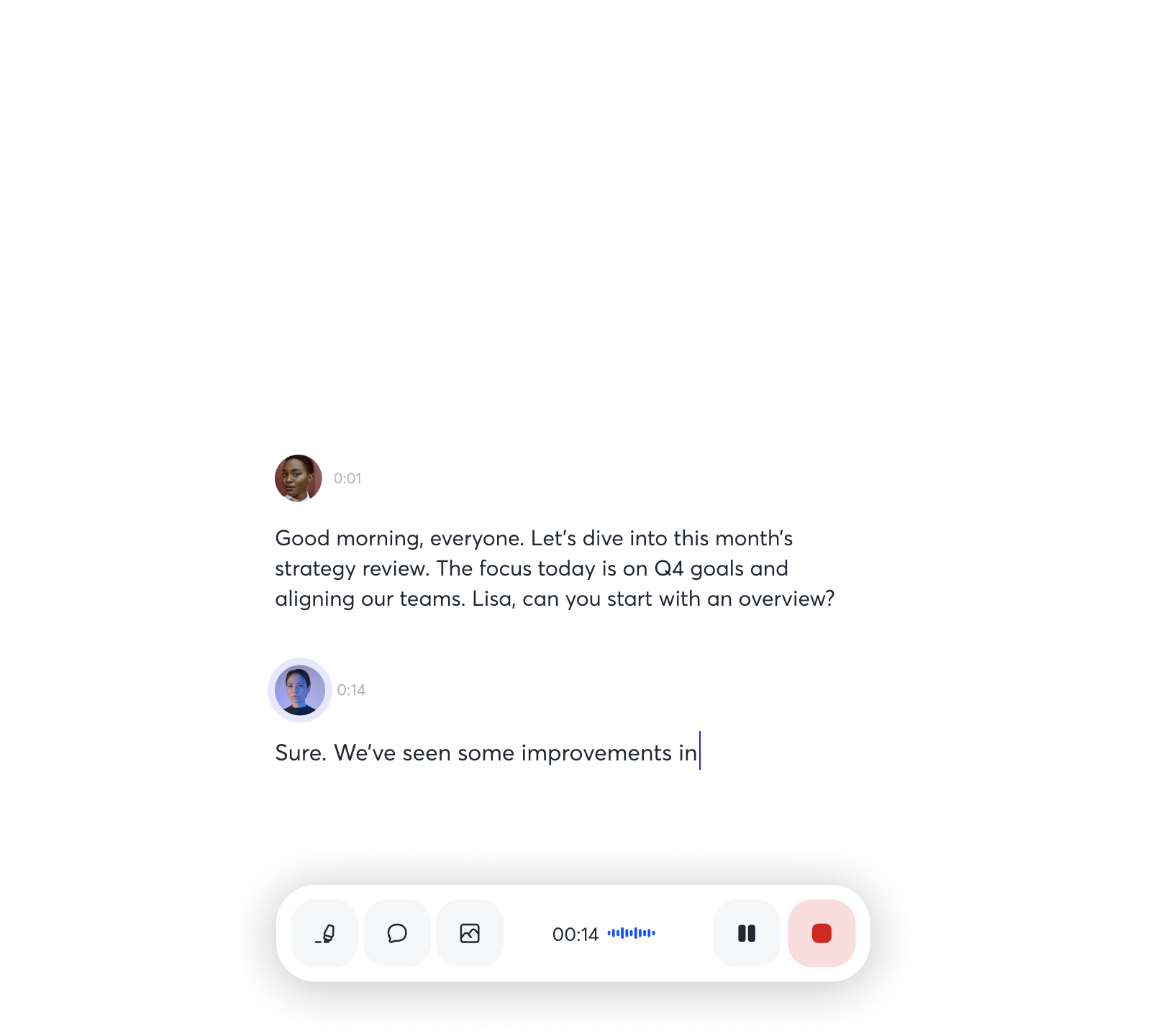
- Real-time transcription with speaker identification
- OtterPilot auto-joins and records meetings
- Good accuracy on clear audio
- Generous free tier
- Accuracy drops with accents and background noise
- Limited editing compared to Descript
- Per-user pricing adds up for teams
Otter is the tool most people mean when they say "AI meeting notes." OtterPilot can auto-join your Zoom, Meet, or Teams calls, transcribe in real time with speaker labels, and produce a summary with action items. Accuracy on clear audio is strong, and the free Basic plan (300 monthly transcription minutes) lets you prove the value before paying.
Paid plans start at $8.33 per user per month on annual billing. Accuracy degrades with heavy accents, crosstalk, or background noise, and the editing experience is basic compared to Descript. But for the core job, turning meetings into reliable notes, Otter is the most polished option.
Testing notes: not hands-on tested for this roundup; assessed from official documentation and verified user reports.
Descript: best for editing audio and video via transcript
- Edit recordings by editing the text transcript
- Overdub creates a realistic AI voice clone
- Screen recording and publishing built in
- Ideal for podcasters and video creators
- Pricier than meeting-focused rivals
- Overkill if you only need meeting notes
- Advanced features take time to learn
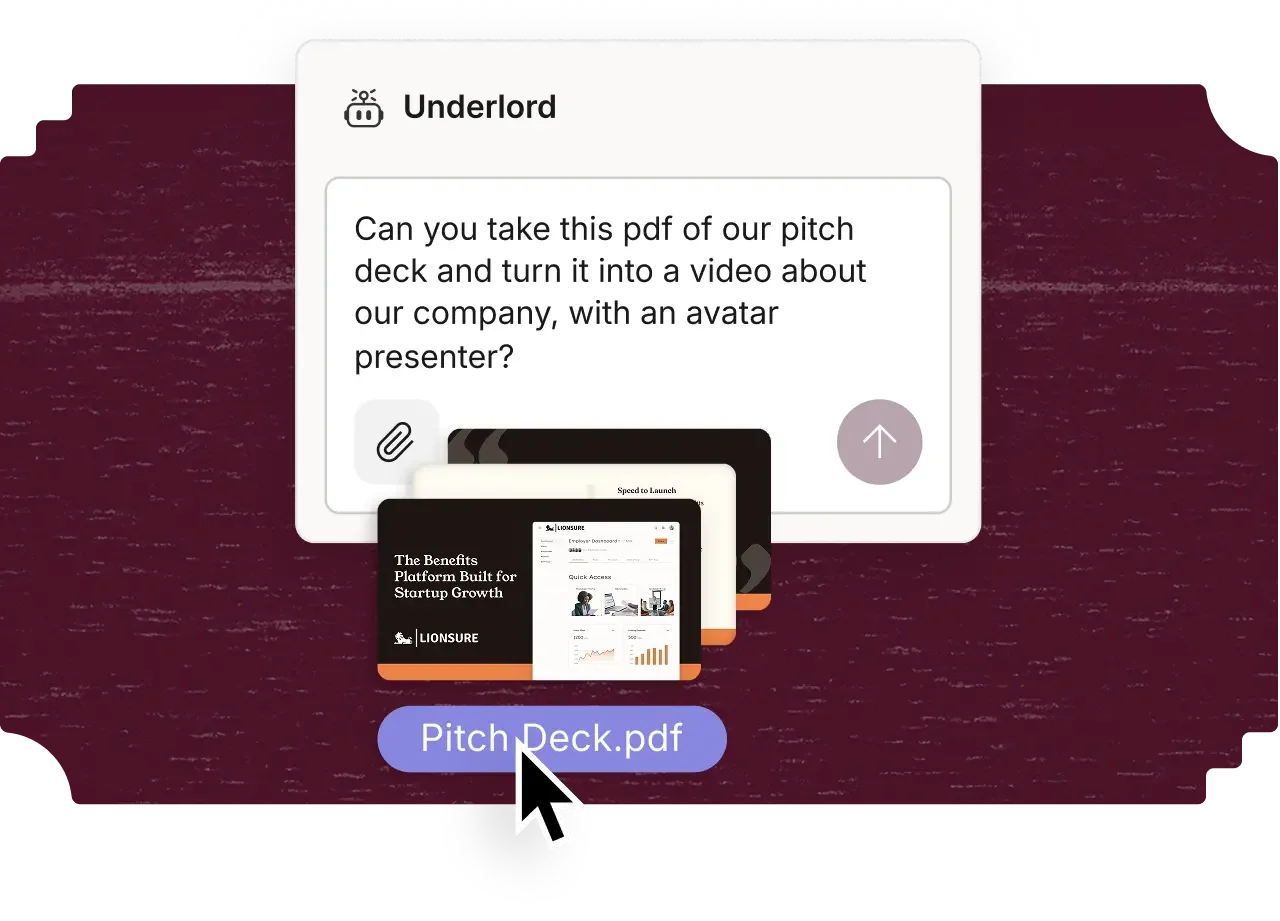
Descript reimagines editing: your recording becomes a text document, and deleting a sentence from the transcript deletes it from the audio or video. For podcasters and video creators, this is transformative. Overdub (AI voice cloning) can fix a flubbed line in your own voice, and built-in screen recording plus publishing covers the full workflow.
It starts at $16 per month on annual billing, pricier than meeting-note tools, and it is overkill if you only need transcripts of standups. The advanced features have a learning curve. But if you create spoken content, no other tool collapses recording, transcription, and editing into one loop like Descript does.
Testing notes: not hands-on tested for this roundup; assessed from official documentation and verified user reports.
Fireflies.ai: best for sales teams
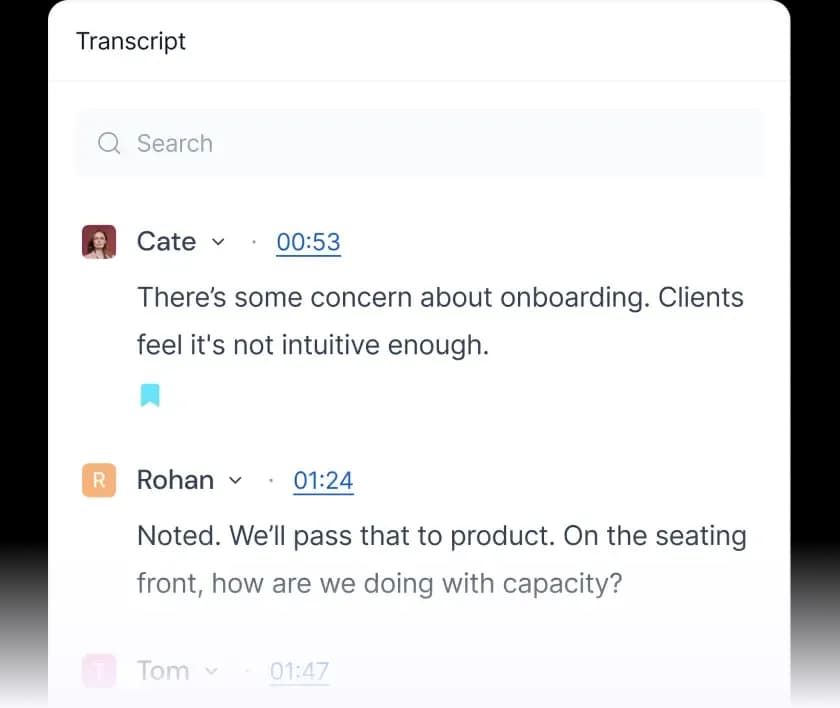
- Auto-joins meetings across Zoom, Meet, and Teams
- CRM integrations and conversation intelligence
- Searchable meeting library
- Affordable team pricing
- Transcription accuracy varies by audio quality
- Interface can feel busy
- Best features need higher tiers
Fireflies is built for teams that live on calls. It auto-joins meetings, records and transcribes them, then pushes summaries, action items, and key moments into your CRM (Salesforce, HubSpot, and others). Conversation intelligence features track talk ratios, questions asked, and topics, which sales leaders use for coaching.
The Pro plan starts at $10 per user per month on annual billing, making it affordable at team scale. Transcription quality depends heavily on audio quality, and the interface packs in a lot. For revenue teams that need every call captured and searchable, it is purpose-built in a way the generalists are not.
Testing notes: not hands-on tested for this roundup; assessed from official documentation and verified user reports.
Which should you pick?
- Want reliable meeting notes with minimal setup? Otter.ai.
- Create podcasts or videos and hate timeline editing? Descript.
- Run a sales team that needs call intelligence? Fireflies.ai.
All three offer free tiers, so run one real meeting through each before choosing. The accuracy differences that matter show up in your actual calls, not in marketing demos.
FAQ
How accurate is AI transcription in 2026?
On clear audio with minimal crosstalk, the best tools are highly accurate. Accents, jargon, background noise, and people talking over each other still cause errors, so skim important transcripts.
Do these tools work with Zoom, Google Meet, and Teams?
Yes. All three integrate with the major meeting platforms, either by auto-joining as a participant or via browser extensions and uploads.
Can I transcribe pre-recorded audio or video files?
Yes. All three accept file uploads for transcription, which is useful for interviews, lectures, and existing recordings.
Is my meeting data private?
Each vendor has its own retention and security policies, including SOC 2 compliance at paid tiers. If you discuss sensitive topics, review the privacy policy and consider enterprise plans with stricter data controls.
The bottom line
- Otter.ai Top pick: Best for meeting notes.
Check price - Descript: Best for editing audio and video via transcript.
Check price - Fireflies.ai: Best for sales teams.
Check price